

TL;DR
Computing hours worked involves calculating elapsed time, deducting only qualifying unpaid breaks, converting minutes into decimal hours, and classifying time for payroll. We recommend preserving original time records and documenting every adjustment so payroll teams can trace how each total was reached.
Table of Contents
- How to compute hours worked: the payroll-ready formula
- Convert hours and minutes to decimal payroll hours correctly
- Excel and Google Sheets formulas for work hours
- Handle lunch breaks without underpaying workers
- Compute overnight, split, missing, and irregular time
- Separate regular hours, overtime, PTO, and gross pay
- Calculate hours worked as a percentage
- Rounding, reconciliation, and an auditable payroll process
- FAQ
- Turn approved hours into international payroll
How to compute hours worked: the payroll-ready formula
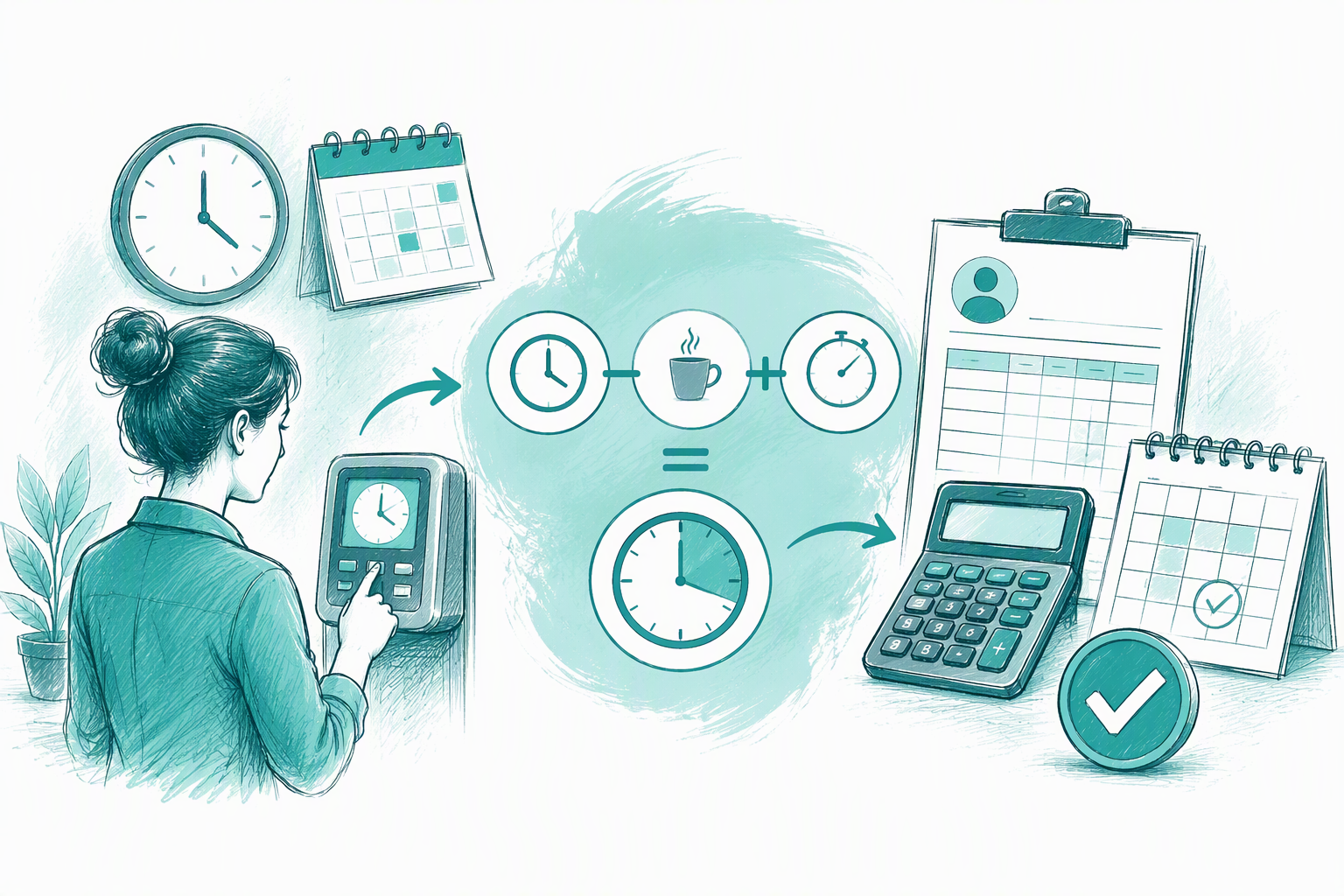
The basic formula is:
Total worked time = clock-out time − clock-in time − qualifying unpaid breaks
“Qualifying” matters. A scheduled lunch should not be deducted automatically if the worker skipped it, worked during it, returned early, or was not fully relieved of duties.
For a clear calculation, we recommend recording:
- Work date
- Clock-in and clock-out timestamps
- Break start and end times
- Worker location and classification
- Applicable break and overtime rules
- Timezone for remote or overnight work
- Adjustments and approvals
The timestamps establish elapsed time. Applicable law, contracts, and company policies determine which hours are payable and how payroll should classify them.
Worked example: 8:15 a.m. to 5:00 p.m. with lunch
A worker clocks in at 8:15 a.m. and out at 5:00 p.m. The elapsed time is 8 hours 45 minutes.
If the worker took a qualifying 30-minute unpaid lunch:
- Elapsed time: 8 hours 45 minutes
- Unpaid lunch: 30 minutes
- Payable time: 8 hours 15 minutes
- Decimal payroll time: 8.25 hours
If the break was paid or did not qualify for deduction, the payable total would remain 8 hours 45 minutes, or 8.75 decimal hours.
How can I see how many hours I have worked?
Match each clock-in with its clock-out, calculate every work segment, and subtract only valid unpaid breaks. Then compare the total with the approved timesheet and payroll record. A schedule shows expected hours, not necessarily the hours actually worked.
Convert hours and minutes to decimal payroll hours correctly
Payroll decimals are not the same as HH.MM notation. Recording 8 hours 30 minutes as “8.30 hours” creates the wrong result.
Use:
Decimal hours = whole hours + minutes ÷ 60
| Minutes | Decimal hours |
|---|---|
| 5 | 0.0833 |
| 10 | 0.1667 |
| 15 | 0.25 |
| 20 | 0.3333 |
| 30 | 0.50 |
| 40 | 0.6667 |
| 45 | 0.75 |
| 50 | 0.8333 |
To assess the pay effect of an error, multiply the missing decimal time by the applicable hourly rate. Calculate regular, overtime, and premium-rate hours separately.
Why 7 hours 45 minutes is 7.75, not 7.45
Forty-five minutes is three-quarters of an hour:
45 ÷ 60 = 0.75
Therefore:
7 + 0.75 = 7.75 hours
By contrast, 7.45 decimal hours means 7 hours and 27 minutes because 0.45 × 60 = 27. Entering 7.45 would understate the shift by 18 minutes.
From decimal hours to gross pay
The basic formula is:
Gross pay = payable hours × applicable hourly rate
Keep regular, overtime, premium, paid-leave, and other payable hours in separate fields before applying the relevant rates or multipliers.
Excel and Google Sheets formulas for work hours
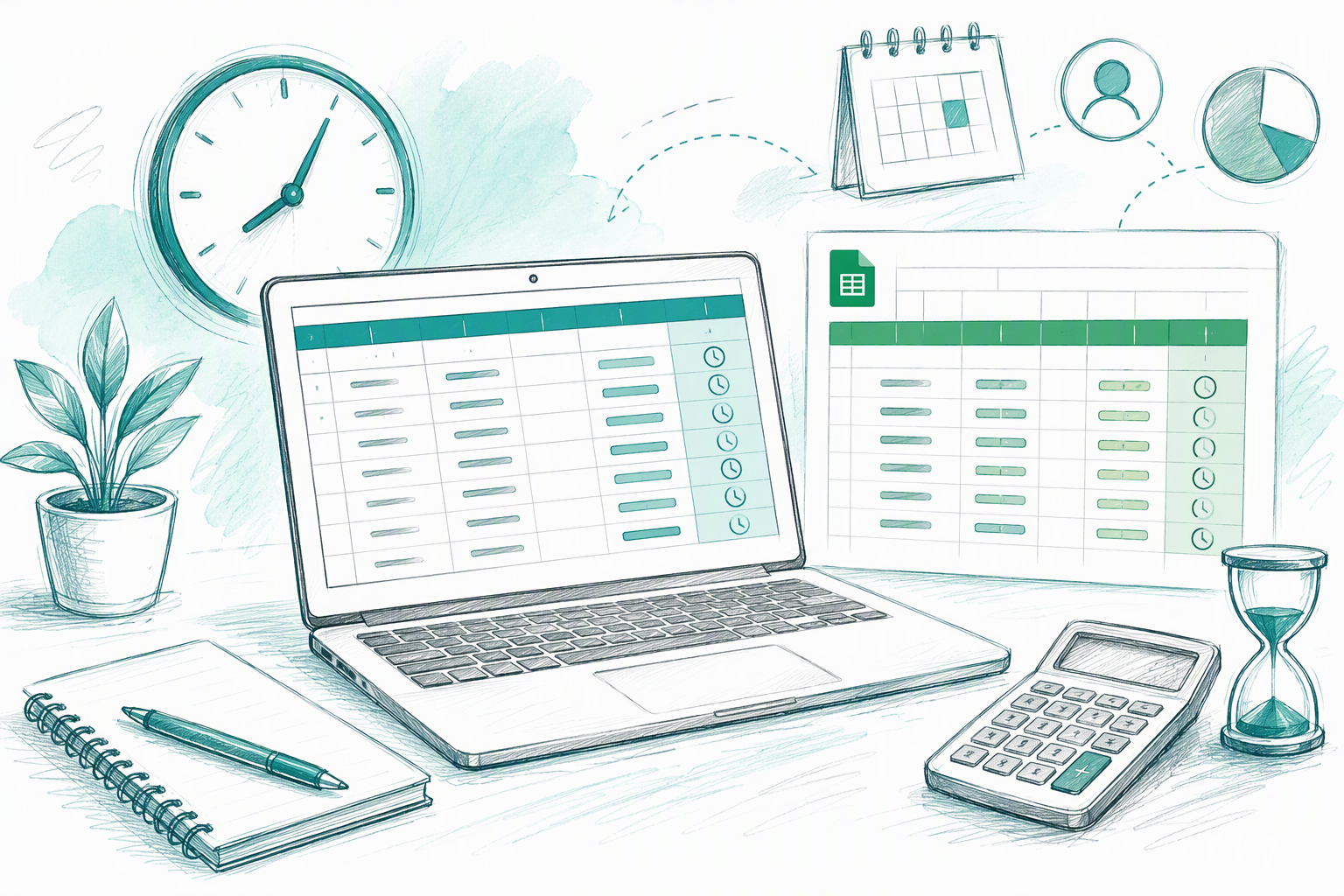
Excel and Google Sheets can support a straightforward time-tracking process when a workbook has validation, restricted access, and controlled approvals. We recommend preserving raw punches rather than replacing them with adjusted totals.
Useful columns include raw timestamps, unpaid-break duration, calculated hours, approved adjustments, exception status, approver, and approval date.
Spreadsheet time values are generally stored as fractions of a day. Multiplying a time difference by 24 converts it into decimal hours. Format the result as a number, not a clock time.
Same-day shift formula
If A2 contains clock-in, B2 contains clock-out, and C2 contains the unpaid-break duration, use:
=(B2-A2-C2)*24
For a 30-minute break, C2 should contain 0:30, not 30. Validation can flag blank punches, negative results, overlaps, and unusually long shifts.
Overnight shift formula
For a shift crossing midnight, use:
=(MOD(B2-A2,1)-C2)*24
MOD treats a negative clock-time difference as continuing into the next day. For longer shifts or daylight-saving changes, store full dates, timestamps, and timezones rather than time-only values.
Multiple and split-shift formula
Calculate each in-out pair separately, then add the segments:
- 8:00 a.m. to noon: 4.00 hours
- 3:00 p.m. to 7:30 p.m.: 4.50 hours
- Total before break deductions: 8.50 hours
Do not count the gap as worked time unless the applicable law, contract, or policy requires it.
Handle lunch breaks without underpaying workers
To find the return time for a 30-minute lunch, add 30 minutes to the break’s start time. A worker clocking out at 12:17 p.m. would return at 12:47 p.m.
That arithmetic does not determine whether payroll can deduct the break. Break eligibility, duration, payment, and recordkeeping requirements can vary by location and worker classification. Our country guides for international payroll offer a starting point, but the applicable rules and effective policies should control payroll configuration.
Paid versus unpaid break decision
Keep a break in worked time when the applicable rules treat it as paid. Deduct it only when it qualifies as unpaid and the records support that treatment.
Review automatic deductions if a worker:
- Worked through lunch
- Returned early
- Remained responsible for calls or duties
- Was interrupted
- Never clocked out
- Was not fully relieved of duties
A scheduled lunch alone does not show that an unpaid break occurred.
Configure break rules by worker location
We recommend maintaining rules by country, state or province, worker classification, and policy effective date. This record should show which rule applied when the work occurred.
One global lunch-deduction template may not reflect local requirements, so location-specific review is essential.
Compute overnight, split, missing, and irregular time
For an overnight shift, the end timestamp must carry into the next calendar day. For a split shift, calculate each segment instead of subtracting the first clock-in from the final clock-out.
Time systems should flag exceptions such as missing or duplicate punches, overlapping shifts, late break returns, unusually long shifts, and unapproved adjustments.
Overnight and daylight-saving example
A shift from 10:00 p.m. to 6:30 a.m. normally represents 8 hours 30 minutes of elapsed time. After a qualifying 30-minute unpaid break, the result is 8.00 hours.
Clock changes can alter the actual elapsed time. Full timestamps, timezones, and offsets provide more reliable records than storing only “10:00” and “6:30.”
Missing-punch workflow
Flag a missing punch rather than guessing. Managers can then correct the exception through a documented adjustment while preserving:
- Original punch data
- Employee explanation
- Proposed adjustment and reason
- Approver and approval time
- Final payable result
This history shows what changed, why it changed, and which value reached payroll.
Separate regular hours, overtime, PTO, and gross pay
Calculate payable hours first. Then allocate them across regular, overtime, premium, PTO, holiday, and other paid categories.
Overtime thresholds, workweek definitions, multipliers, and stacking rules vary. We do not recommend applying one universal threshold to an international workforce.
Regular and overtime calculation
Use the correct workday, workweek, threshold, rate, and stacking rules for each worker’s location and classification. Preserve daily and weekly detail rather than retaining only a pay-period total.
Once hours are classified, apply the corresponding rates and reconcile both category totals and gross pay before approval.
PTO hours to days formula
Use:
PTO days = PTO hours ÷ scheduled hours per day
For example:
- 24 PTO hours ÷ 8 scheduled hours = 3 days
- 24 PTO hours ÷ 6 scheduled hours = 4 days
Use the employee’s scheduled daily hours or the definition in the applicable PTO policy rather than assuming every workday contains eight hours.
Calculate hours worked as a percentage
Use:
Hours-worked percentage = worked hours ÷ scheduled or available hours × 100
If an employee worked 36 hours against a 40-hour schedule:
36 ÷ 40 × 100 = 90%
Attendance usually compares worked time with scheduled time. Utilization may instead compare productive or billable hours with defined capacity.
Choose the right denominator
Use scheduled hours for attendance and staffing analysis. Use available or billable capacity only when those measures have a consistent definition.
Document the denominator. A result above 100% could indicate overtime, extra approved work, a schedule error, duplicate punches, or a denominator that excludes added hours.
Rounding, reconciliation, and an auditable payroll process
We recommend retaining exact source timestamps unless applicable requirements and a written policy support rounding. Rounding is a policy decision, not a necessary part of the calculation.
Preserve original timestamps, apply any permitted rounding later in the process, and review results for consistent treatment.
Exact time versus quarter-hour rounding
A documented rounding process should identify:
- The rounding increment
- Which punches are rounded
- How midpoint cases are treated
- Applicable locations and classifications
- Effective dates
- Review and approval responsibilities
Local requirements should be checked before implementation. Exact source records should remain available even when payroll receives rounded values.
Payroll discrepancy checklist
When timesheets and payroll disagree, check:
- Missing or duplicate punches
- Paid and unpaid break treatment
- Decimal conversion
- Date, timezone, and clock-change handling
- Regular and overtime allocation
- PTO or leave coding
- Rates and multipliers
- Payroll export mapping
Trace the difference from source punches through adjustments, payable categories, rates, and exports. Correct the underlying error instead of changing the final amount without supporting records.
When to move beyond spreadsheets
Spreadsheets become harder to control as teams add countries, currencies, legal entities, timezones, policies, and approvers. Formula maintenance, access control, and version history can all require closer oversight.
At Shor, we favor standardized records and approval workflows paired with location-specific rules. A suitable system should preserve original records, approved adjustments, reasons, approval history, and export history.
Turn approved hours into international payroll
Explore Shor’s international payroll platform for founders to see how we can help turn approved time records into a more consistent international payroll process.
FAQ
How can I see how many hours I have worked?
Subtract each clock-in from its matching clock-out, deduct qualifying unpaid breaks, and add all work segments. Convert minutes into decimal hours if payroll requires that format, then compare the result with the approved timesheet.
How do I convert PTO hours to days?
Divide PTO hours by scheduled hours per day. For an eight-hour schedule, 24 PTO hours equals three days. For a six-hour schedule, it equals four days.
What is the correct formula to calculate time in hours?
Subtract clock-in time and qualifying unpaid breaks from clock-out time. For decimal hours, divide the remaining minutes by 60 and add them to the whole hours.
What time do I clock back in from lunch after 30 minutes?
Add 30 minutes to the time the break began. A lunch starting at 12:17 p.m. ends at 12:47 p.m. Whether it is unpaid depends on the applicable rules and the facts of the break.